

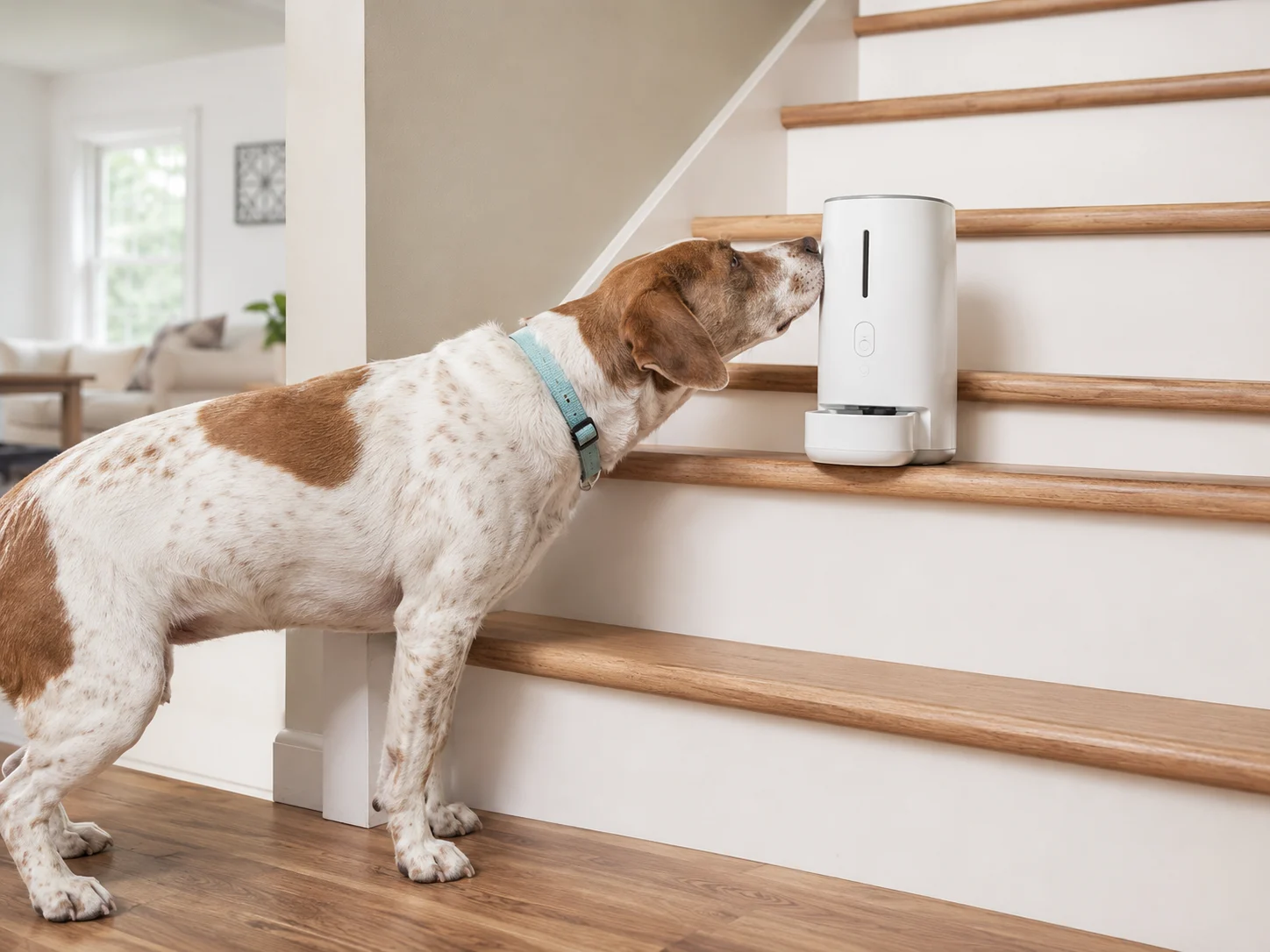
Start with a camera that shows why your dog barks
Petcube Cam 360 is the most practical starting point for unknown alone-time barking because it combines a rotating view, two-way audio, night vision, and optional bark-specific alerts. It suits owners who need to identify whether barking begins at departure, after hallway noise, or alongside pacing and escape behavior. Its main limitation is that stored clips and smart bark alerts require Petcube Care. Choose Tapo C225 when local microSD recording matters more than a pet-focused app, Furbo 360 when safe treat interaction is genuinely useful, or LectroFan EVO only after video confirms that outside noise—not separation distress—is the trigger.
Quick product matches
How we researched
We compared official specifications, storage and subscription requirements, product limitations, manufacturer product status, recurring owner concerns, and veterinary behavior guidance. Product and policy details were checked in July 2026. Reddit discussions were used only to identify practical questions such as voice-triggered frustration and treat-dispenser fixation; factual and safety guidance was verified through manufacturer, ASPCA, AAHA, VCA, and AVSAB sources. We did not personally test every product in this guide.
Quick comparison
| Product | Suitable for | Key advantage | Storage or subscription | Main limitation |
|---|---|---|---|---|
| Petcube Cam 360 | Finding the trigger behind barking when alone | Pet-focused 360° monitoring with optional bark recognition | Live use works without a plan; smart alerts and video history need Petcube Care | Bark-specific alerts and stored history require Petcube Care |
| Tapo C225 | Budget-conscious monitoring and local recordings | 2K view, pet tracking, and microSD support up to 512 GB | Local storage available; Tapo Care cloud is optional | Dog-bark detection is beta and can vary by firmware or region |
| Furbo 360 Dog Camera | Calm dogs that safely respond to treats or owner voice | 360° viewing, bark alert, two-way audio, and treat toss | Standalone core features are listed as free; premium history and AI features use Furbo Nanny | May create excitement, food fixation, or voice-related frustration |
| LectroFan EVO | Hallway, traffic, or shared-wall noise confirmed by video | 22 non-looping fan, white, pink, brown, and surf sounds | No subscription | Cannot monitor the dog or treat separation-related distress |
Product recommendations by barking trigger

Petcube Cam 360
Suitable for: owners who need to see when barking starts and what happens immediately before it.
Petcube lists 1080p video, a 105° lens, 350° horizontal and 55° vertical rotation, 8× digital zoom, two-way audio, and night vision up to 30 feet. Those features make it easier to follow a dog between a bed, doorway, and window instead of watching one fixed corner. The camera works without a monthly plan, but Petcube states that bark-recognition alerts and stored video history are Petcube Care features. Review the official Cam 360 specifications and Smart Alerts requirements.
Setup tip: position it to include the main exit and resting area, then review the first sequence after every departure before using two-way audio.
Check Current Price on Amazon
TP-Link Tapo C225
Suitable for: buyers who want detailed video, motion tracking, and local recording without making cloud storage mandatory.
The C225 provides 2K QHD video, a 360° horizontal viewing range, pet detection, full-duplex two-way audio, night vision up to 30 feet, and microSD support up to 512 GB. TP-Link also lists dog-bark detection for the C225, but its support documentation labels advanced sound detections as beta and warns that feature support can differ by model, hardware version, firmware, and region. Confirm the exact listing against the official C225 page and sound-detection support guide.
Who should avoid it: anyone who needs guaranteed bark classification without checking firmware support first.
Check Availability on Amazon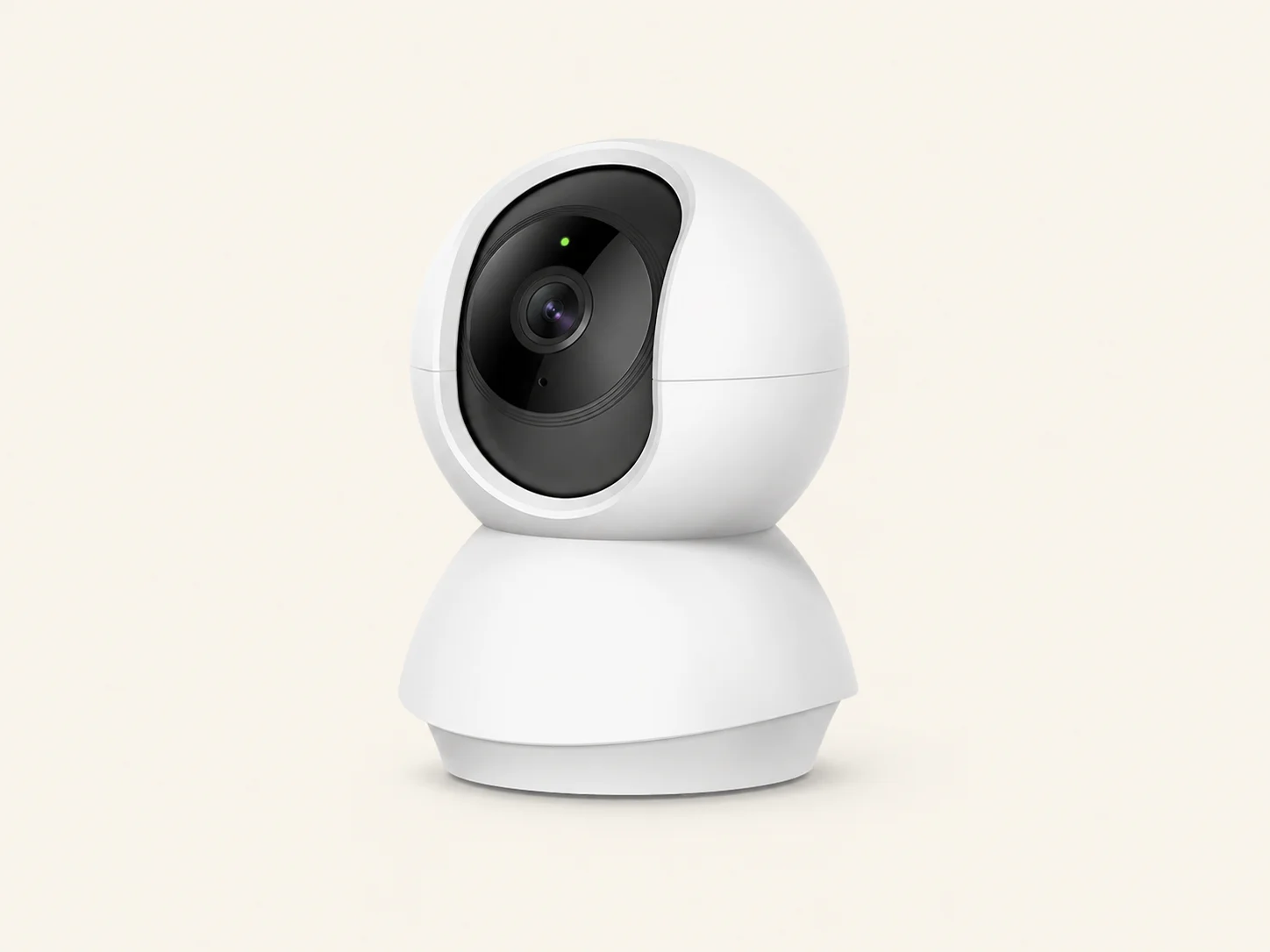
Furbo 360 Dog Camera
Suitable for: calm, food-motivated dogs that can safely eat alone and do not become distressed by a remote voice.
Furbo’s 360 model combines 1080p video, a rotating view, automatic dog tracking, two-way audio, night vision, bark alerts, and remote treat tossing. Furbo says the standalone model keeps live view, bark alerts, and treat tossing available without Furbo Nanny, while premium recording and AI features require a plan. Retailers also sell subscription-required bundles, so verify the exact version before ordering. See the official product page and standalone feature policy.
Who should avoid it: dogs that gulp treats, guard food, fixate on dispensers, or become more upset when they hear an owner they cannot reach.
View Latest Price on Amazon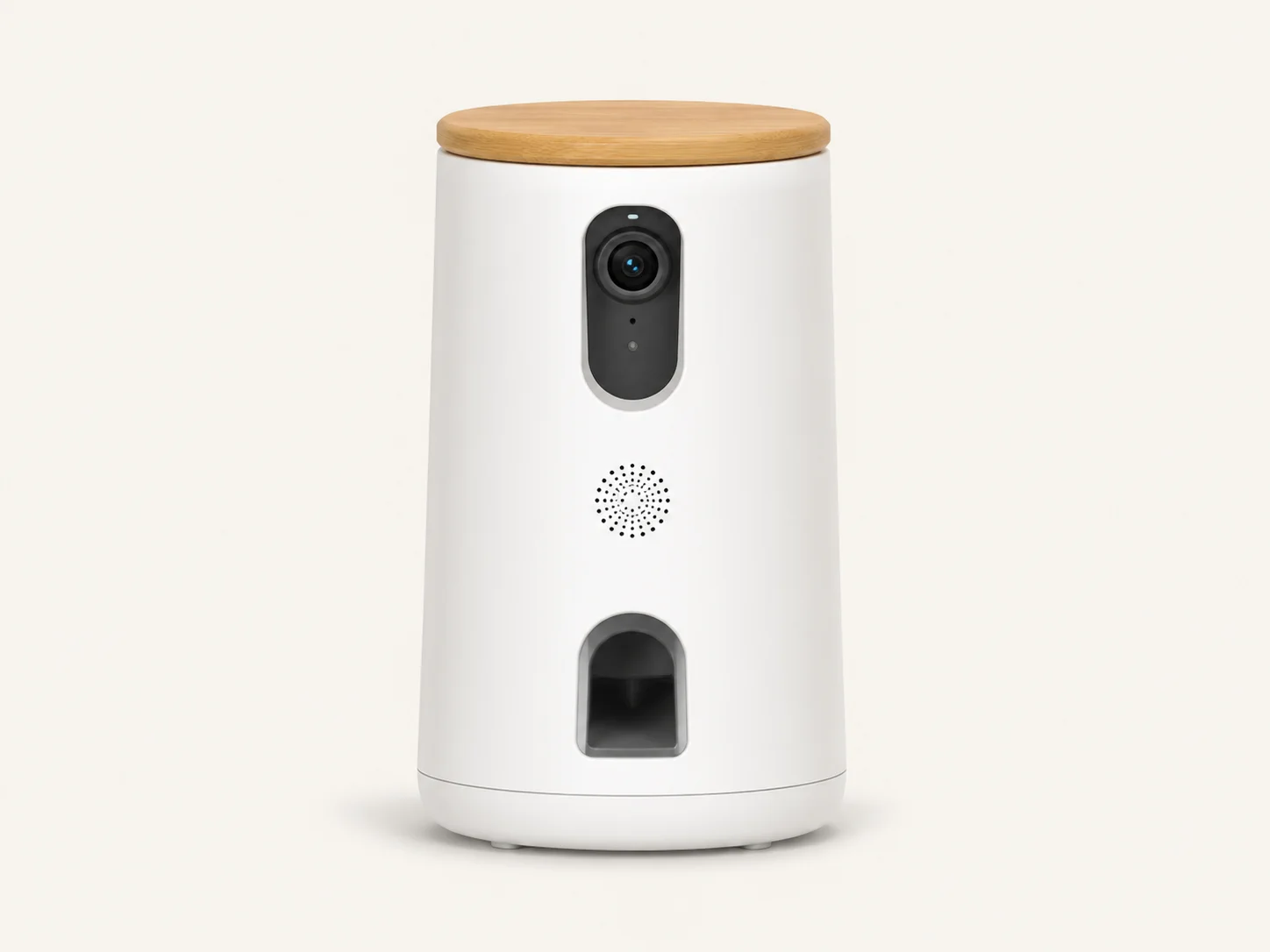
LectroFan EVO
Suitable for: dogs whose camera footage shows barking after footsteps, doors, traffic, neighboring dogs, or shared-wall sounds.
The LectroFan EVO offers 22 digitally generated, non-looping options: fan sounds, white, pink and brown noise, plus two surf sounds. That range lets you test a steady sound that masks the specific trigger without relying on an obvious repeating track. It is a support product, not a monitoring device, and it should only enter the plan after a camera shows a noise-linked pattern. The current sound selection is listed on the official LectroFan EVO page.
Setup tip: place it between the dog’s resting area and the noise source, start low, and ensure the dog can move away.
Check Current Price on AmazonBefore you buy
- What is the trigger? Departure, hallway noise, window movement, boredom, or panic require different responses.
- Will you pay for history? Check whether bark alerts, saved clips, and longer playback require a subscription.
- Do you need local storage? A microSD option can reduce cloud dependence but requires compatible media and setup.
- Will voice or treats help? Avoid interactive features when they increase searching, barking, food guarding, or fixation.
- Is one camera enough? Choose a position that covers the exit and normal resting area before buying multiple devices.
A simple setup that produces useful evidence
- Secure the camera on a stable surface with every cable outside chewing reach.
- Frame the doorway, dog bed, and likely pacing route rather than aiming only at the crate.
- Record a short, safe absence and review the sequence from departure until the dog settles or distress appears.
- Test two-way audio while nearby first. Stop using it if the dog searches, vocalizes more, or cannot settle.
- Enable only the alerts you need. Excessive notifications can make it harder to identify meaningful patterns.
- Add sound masking only when repeated footage connects barking with a predictable external noise.
When another product is unlikely to be enough
Persistent barking that occurs mainly when the dog is alone—especially with pacing, drooling, destruction, house-soiling, or attempts to escape—can indicate separation-related distress. ASPCA and VCA guidance treats these behaviors as more than a simple noise problem. Use recordings to support a conversation with a veterinarian or qualified reward-based behavior professional rather than repeatedly buying gadgets. Sudden barking or new noise sensitivity, particularly in an older dog, also deserves a veterinary check because pain, ear disease, arthritis, or sensory changes can contribute. Review ASPCA separation-anxiety guidance, VCA noise-fear guidance, and AVSAB’s reward-based training position.
Frequently asked questions
Can talking through a pet camera make my dog more anxious?
Yes. Some dogs settle when they hear a familiar voice, while others search for the owner, bark harder, or become confused. Test the feature during a very short supervised trial and leave it off if behavior worsens.
Can a treat camera teach my dog to stare at or bark at the dispenser?
It can. Predictable treat sounds and frequent remote rewards may create anticipation or fixation. Reward calm behavior at varied times, avoid responding to demand barking, and stop using the dispenser if the dog becomes frantic or guards the unit.
Do I need a subscription for dog-bark alerts?
It depends on the product and listing. Petcube requires Petcube Care for smart bark alerts and stored history. Furbo lists basic barking alerts as free on its standalone model, but some bundles require Furbo Nanny. Tapo’s compatible bark detection can work with local recording, although support varies by firmware and region.
Should I buy a pet camera or a white noise machine first?
Buy or repurpose a camera first when the trigger is unknown. Add a sound machine only after repeated footage shows barking follows hallway, traffic, neighbor, or outdoor noise. White noise will not resolve panic caused by being alone.
What signs mean I should contact a veterinarian or behavior professional?
Seek help when barking is paired with escape attempts, injury risk, destruction near doors or windows, heavy drooling, trembling, pacing, elimination, refusal to settle, or a sudden behavior change. AAHA guidance also identifies panting, hiding, vocalization, and destructive behavior as possible distress signs around noise.
Final recommendation
Choose Petcube Cam 360 first when you need a pet-focused view of unknown barking and accept a subscription for smart alerts and history. Choose Tapo C225 when local storage and general home monitoring are the priorities. Furbo 360 is worth considering only for a calm dog that safely benefits from treats or voice interaction. LectroFan EVO is the correct add-on only when recorded evidence consistently points to environmental noise. If footage shows panic or escape behavior, the next step is professional help—not another device.
Availability, feature bundles, firmware support, voltage requirements, and Amazon listings can differ across the United States, United Kingdom, Canada, and Australia. Confirm the regional product page before purchasing.
 ✓
✓