

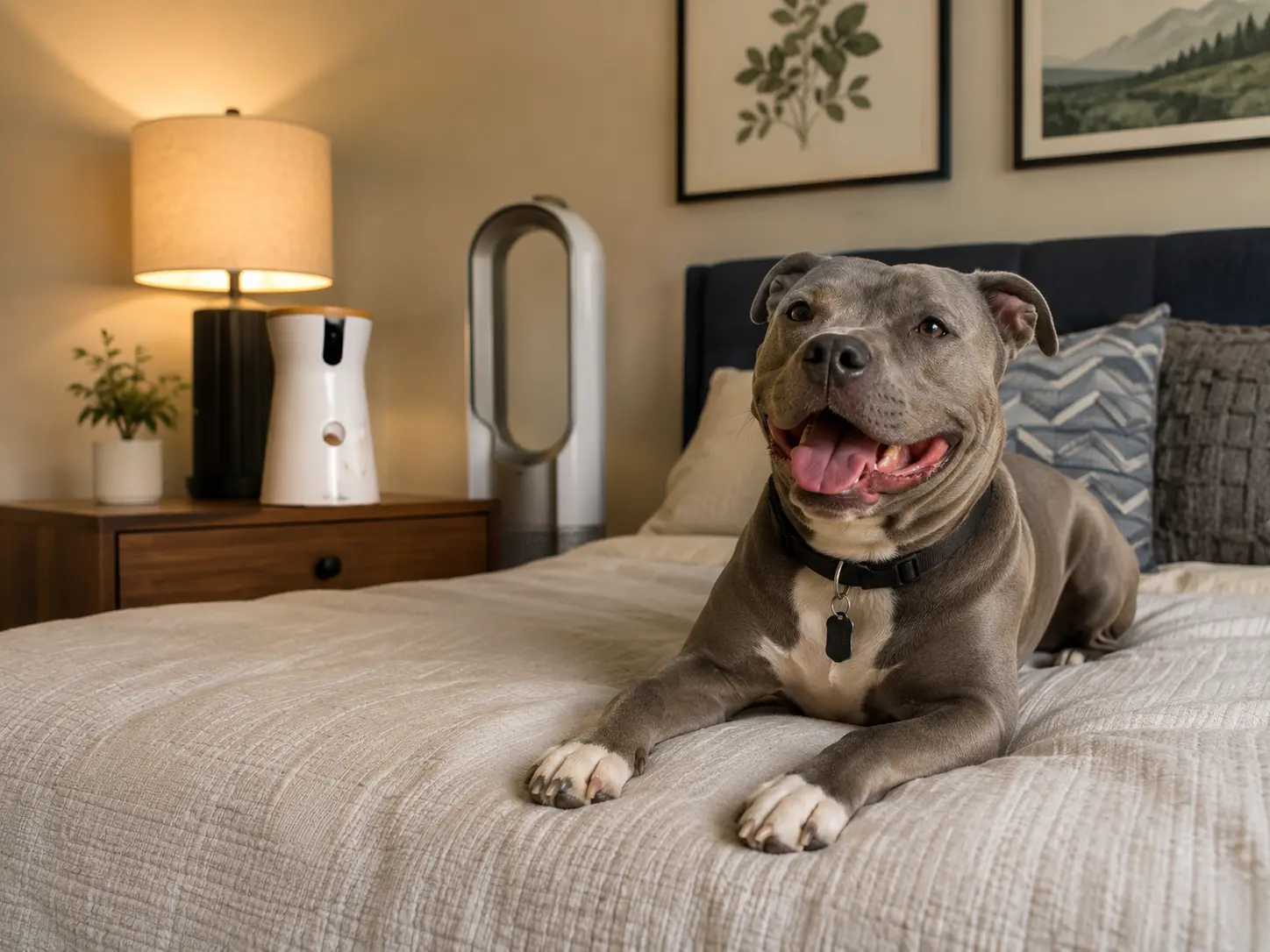
Tapo C210 is the best overall option in this comparison for recording pacing, door-watching, movement, and settling behavior. It combines 2K video, pan-and-tilt coverage, and local microSD recording.
Choose Furbo 360 when bark alerts and treat tossing matter most. Choose Kasa EC70 when you want affordable pan-and-tilt monitoring with local storage.
This guide compares published specifications and supplied US listings; it is not based on hands-on testing. A camera can document behavior, but it cannot diagnose or treat separation anxiety.
What Is the Best Pet Camera for Dog Separation Anxiety?
For most owners, Tapo C210 offers the strongest monitoring value. It is better suited to reviewing complete behavior patterns than cameras focused mainly on live interaction.
Best for pacing, room-wide movement, and longer local recordings.
Check PriceBest for bark notifications, live checking, and treat tossing.
Check PriceBest lower-cost balance of rotating coverage and local storage.
Check PriceWhich Camera Fits Your Dog’s Behavior?
| Camera | Best For | Key Advantage | Main Limitation |
|---|---|---|---|
| Tapo C210 | Pacing and room-wide monitoring | 2K video, pan-and-tilt, microSD recording | No dedicated bark classification |
| Furbo 360 | Barking alerts and interaction | Basic bark alerts and treat tossing | Advanced history may require Furbo Nanny |
| Kasa EC70 | Affordable general monitoring | Motion tracking and local storage | 1080p and no pet-specific alerts |
| Petcube Cam 360 | Pet-focused rotating coverage | Motorized view and pet-oriented app | Full history and smart alerts rely on Petcube Care |
| Petcube Cam | Bed, crate, doorway, or small room | Compact fixed 1080p camera | A pacing dog can leave the frame |
| eufy D605 | Tracking and treat dispensing | Built-in storage and pet features | Availability and support require verification |
Short Pet Camera Reviews
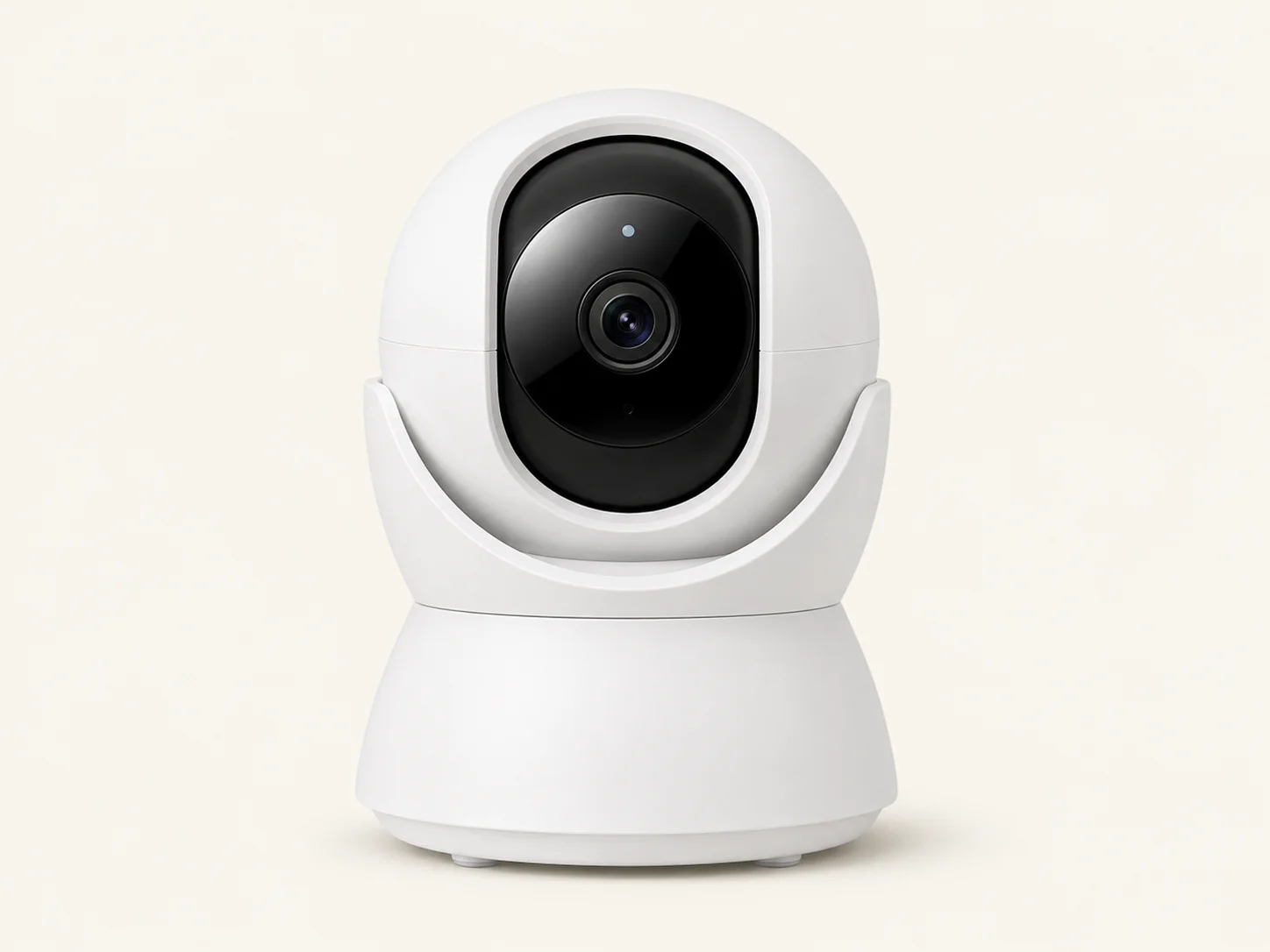
1. Tapo C210
Best for: Recording pacing, door-watching, room movement, and settling patterns.
View on AmazonWhy buy it: Published specifications include 2K 3MP video, 360° horizontal and 114° vertical coverage, night vision, two-way audio, and local microSD recording. This makes it easier to review complete behavior sequences instead of isolated alerts.
Skip it when: You specifically want bark classification or a treat dispenser.
Clear room-wide recordings without depending entirely on cloud history.
Two-way audio may cause some dogs to search or become more unsettled.
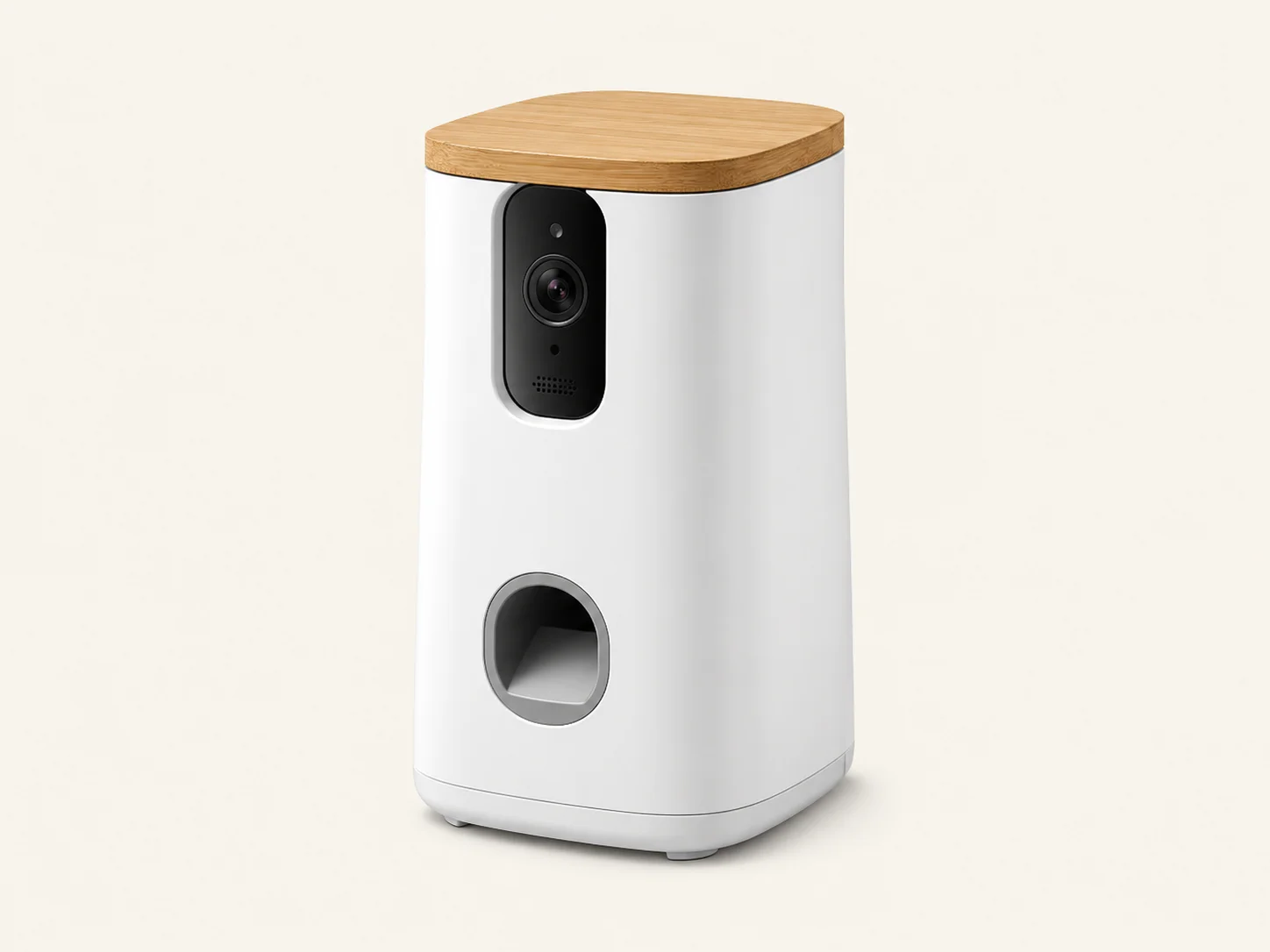
2. Furbo 360
Best for: Owners who want bark notifications and carefully introduced treat interaction.
View on AmazonWhy buy it: The supplied standalone listing includes 1080p video, rotating coverage, basic barking alerts, two-way audio, color night vision, and treat tossing.
Skip it when: You want 2K video, local continuous recording, or do not want to evaluate a subscription for advanced history and AI features.
Bark alerts can prompt a fast live check when vocalization begins.
Introduce the treat mechanism while home; its sound may startle sensitive dogs.
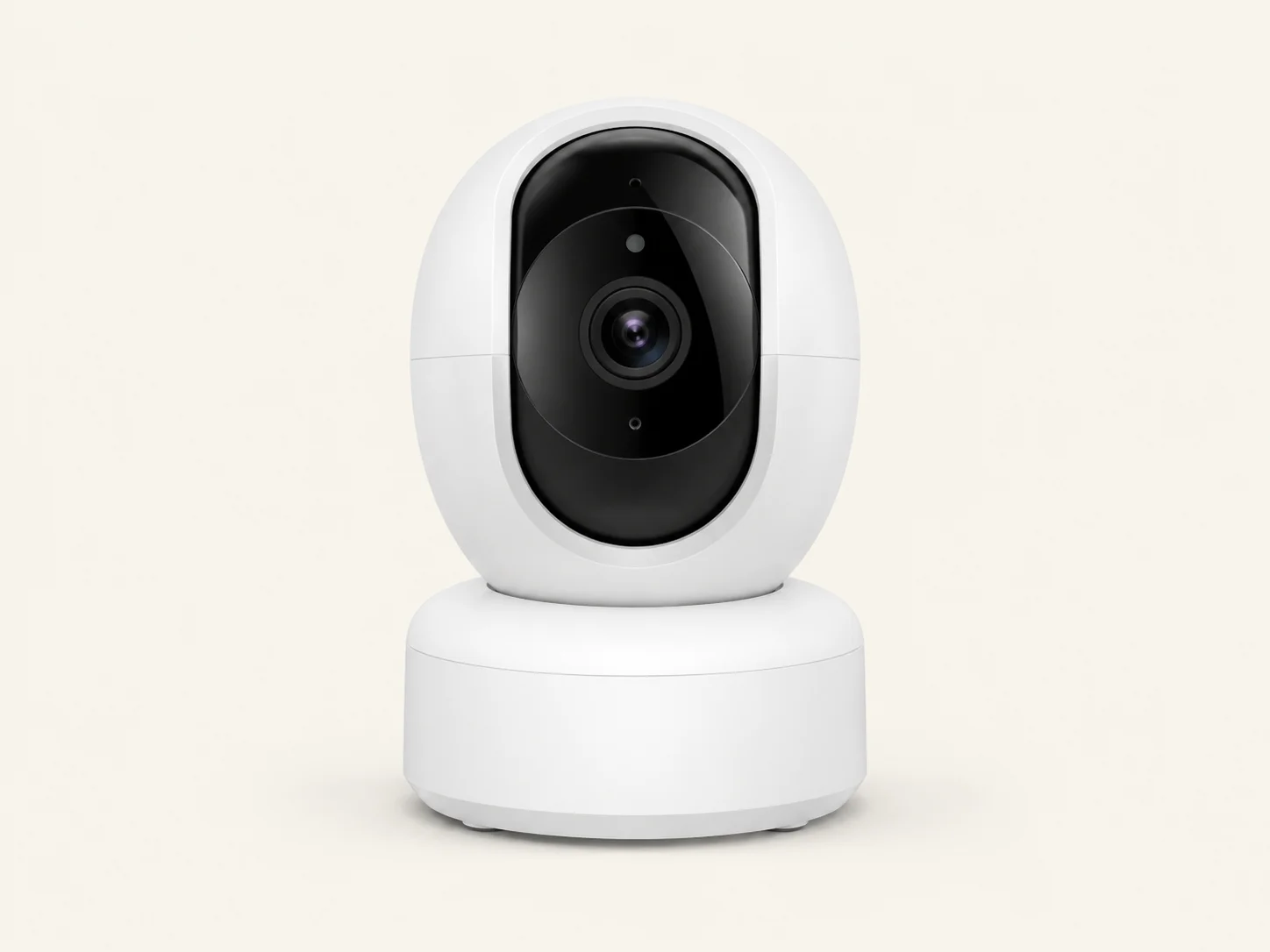
3. Kasa EC70
Best for: Budget-conscious owners who still need motion tracking and local storage.
View on AmazonWhy buy it: Published features include 1080p video, 360° horizontal and 113° vertical coverage, motion tracking, night vision, two-way communication, and microSD support.
Skip it when: You need higher-resolution footage, dedicated bark alerts, or a pet-focused app.
Useful core monitoring features at a lower price than pet-specific cameras.
It is a general security camera rather than a specialized dog camera.
4. Petcube Cam 360
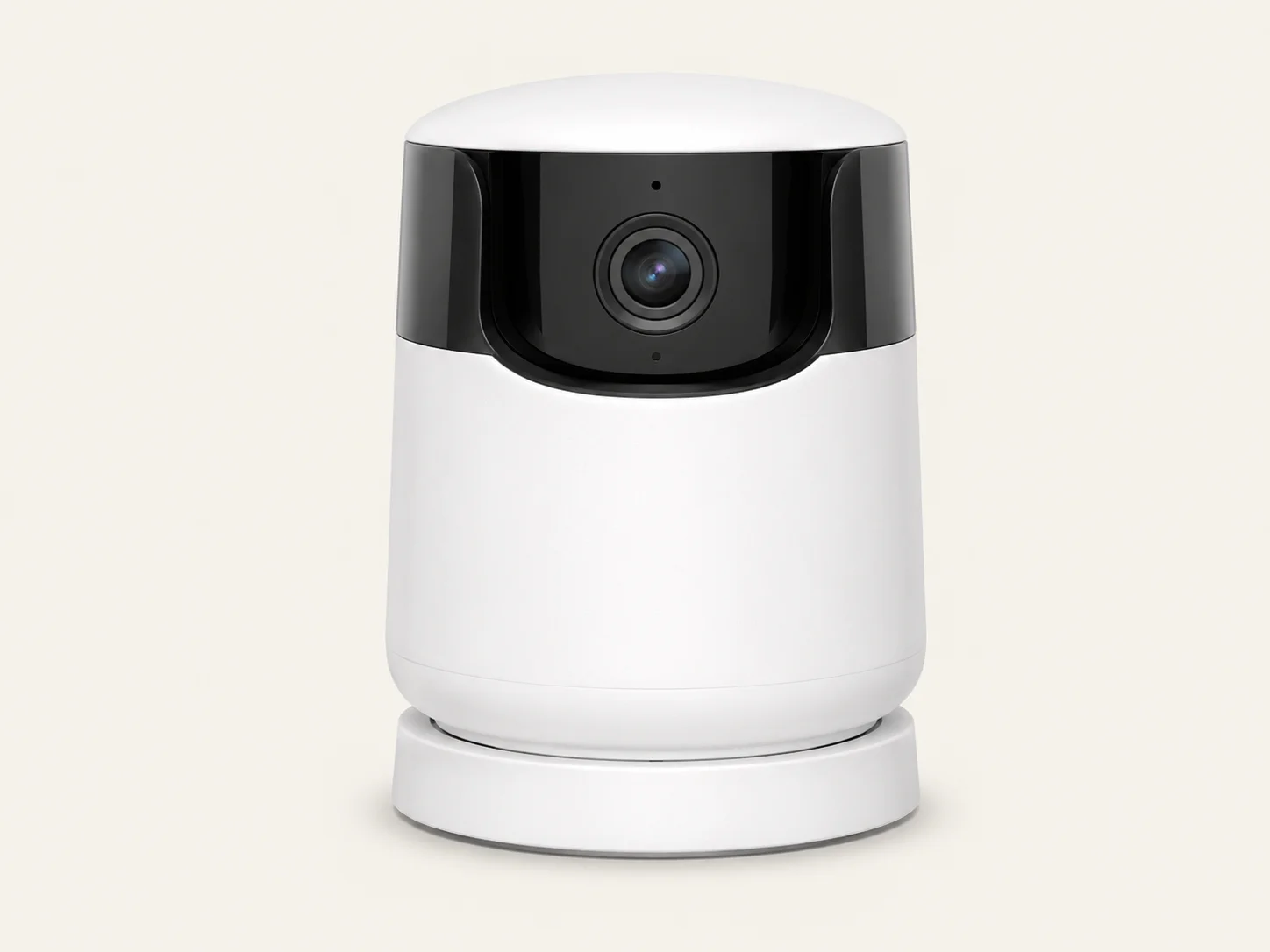
Best for: Rotating coverage inside a pet-oriented app ecosystem.
View on AmazonWhy buy it: Petcube lists 1080p video, motorized movement, night vision, two-way audio, digital zoom, and privacy mode.
Skip it when: You prefer higher resolution or want fuller recording history without relying on Petcube Care.
5. Petcube Cam
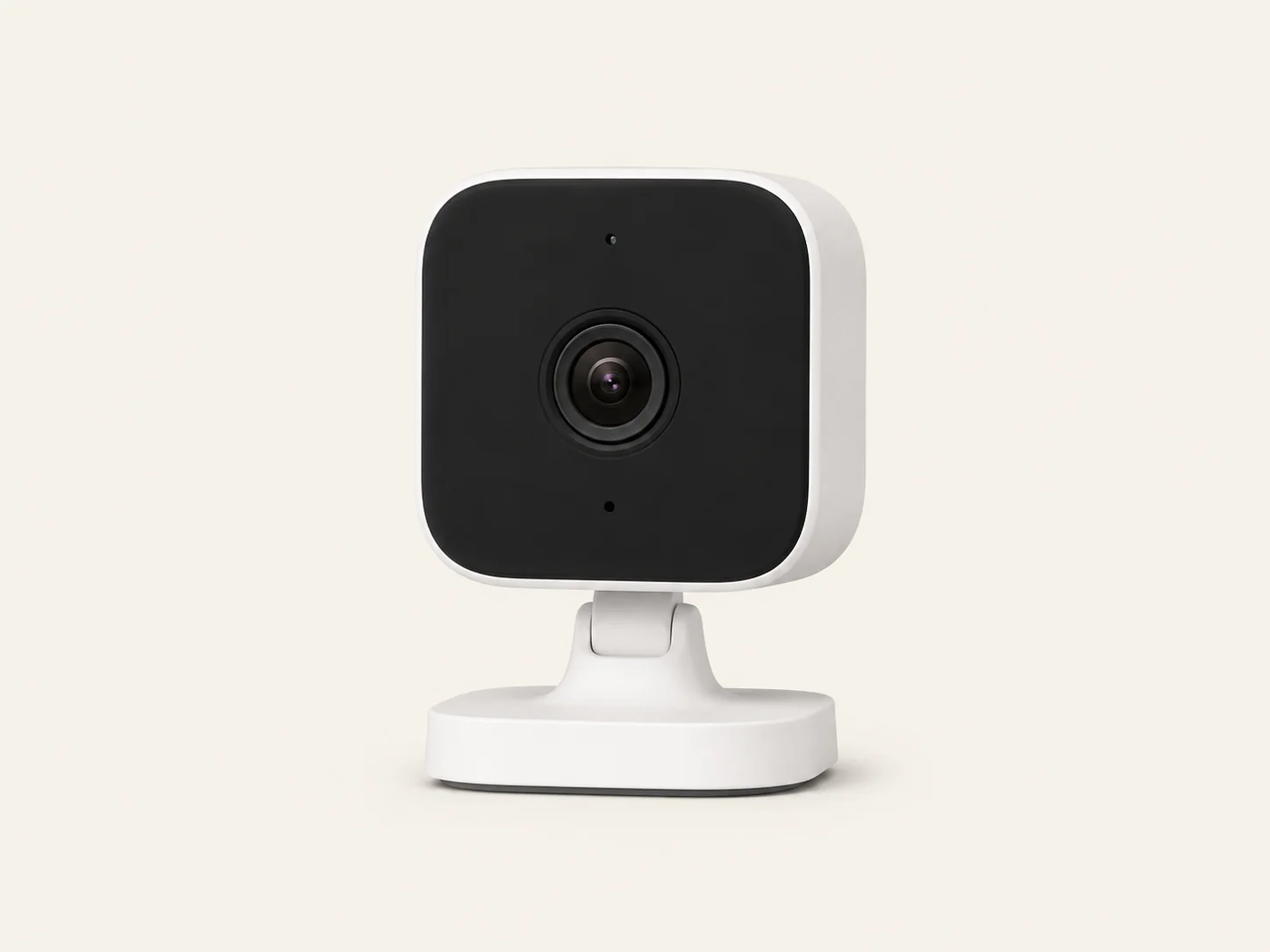
Best for: A crate, bed, doorway, playpen, or small room.
View on AmazonWhy buy it: It provides a compact fixed view with 1080p video, night vision, two-way audio, and a 110° viewing angle.
Skip it when: Your dog paces across an open room or repeatedly moves between doors and windows.
6. eufy D605
Best for: Buyers who specifically want tracking, alerts, and treat dispensing.
Check AvailabilityWhy consider it: The supplied information describes 1080p video, motion tracking, barking and activity alerts, treat dispensing, two-way audio, and built-in 16GB storage.
Why it ranks last: The supplied US listing showed limited or unavailable stock. Verify seller authorization, warranty, returns, app support, and replacement availability before purchasing.
Which Features Matter Most?
Pan-and-Tilt Coverage
Choose a moving camera when your dog paces, patrols the room, or switches between doors, windows, and resting areas. A fixed camera is enough for one crate, bed, or doorway.
Recording and Storage
Local storage suits longer recordings without a recurring cloud fee. Cloud history can make remote clips, timelines, and smart alerts easier to access. Check current limits and subscription pricing before buying.
Bark Alerts
Bark alerts are convenient, but they cannot explain why a dog vocalized. Review the surrounding footage to distinguish a brief outside-noise reaction from persistent distress.
Two-Way Audio and Treats
Test both features while you are home. Stop if your dog starts searching, whining, hiding, guarding food, or becoming more agitated. Neither feature is a treatment for separation anxiety.
How Should You Record Useful Footage?
Camera Placement
- Include the main exit and resting area.
- Keep cords safely out of reach.
- Avoid furniture blocking the rotating view.
- Use a second camera only when one room cannot capture the full pattern.
What to Record
- Start before shoes, keys, or departure cues.
- Capture the complete departure.
- Review the first 30–60 minutes when practical.
- Note when barking, pacing, panting, or exit scratching begins.
- Compare more than one similar absence.
Frequently Asked Questions
Can a pet camera cure separation anxiety?
No. It can document timing, triggers, and behavior patterns, but it cannot change the dog’s underlying emotional response.
What is the best camera for a dog that paces?
Tapo C210 is the strongest option in this comparison because it combines 2K video, broad pan-and-tilt coverage, and local recording.
Which camera offers bark alerts?
The supplied standalone Furbo 360 listing includes basic barking alerts. Advanced alerts, reports, or video history may require Furbo Nanny.
Can two-way audio make distress worse?
Yes, for some dogs. Hearing an owner without locating them may trigger searching or renewed vocalization. Test it while home and stop if agitation increases.
Do all pet cameras require a subscription?
No. Tapo C210 and Kasa EC70 support local microSD recording. Furbo and Petcube reserve some advanced features for paid plans.
Can footage diagnose why a dog is barking?
No. Barking may relate to outside noise, isolation distress, frustration, territorial behavior, discomfort, or another cause. Footage provides context, not a diagnosis.
Sources & Research Basis
View the sources used for this guide
- Merck Veterinary Manual — canine behavior problems and differential assessment
- ASPCA — separation-related behavior signs
- American Veterinary Society of Animal Behavior — reward-based training guidance
- TP-Link — Tapo C210 specifications
- Kasa — EC70 specifications
- Furbo and Furbo Support — Furbo 360 features and plan limitations
- Petcube — Cam, Cam 360, and Petcube Care specifications
- eufy support and the supplied Amazon listing — D605 features and availability
Final Recommendation
Choose Tapo C210 for the best overall monitoring setup. Choose Furbo 360 for bark alerts and treat interaction, or Kasa EC70 for a lower-cost pan-and-tilt camera.
Begin with silent observation, review complete behavior sequences, and use the footage as evidence for a veterinarian or qualified behavior professional when distress is severe or persistent.
Check Tapo C210 on Amazon ✓
✓